Dome Central + C2 Connect
Many sites. One picture.
Put a Dome Edge at each site. Central brings them together into one picture across sites and domains. C2 Connect pushes that picture into the command system you already run.
Every site stands alone
Local fusion, planning and controls
One picture above them
Tracks, alerts, decisions, run history
Or into your C2
Connections sized for your deployment
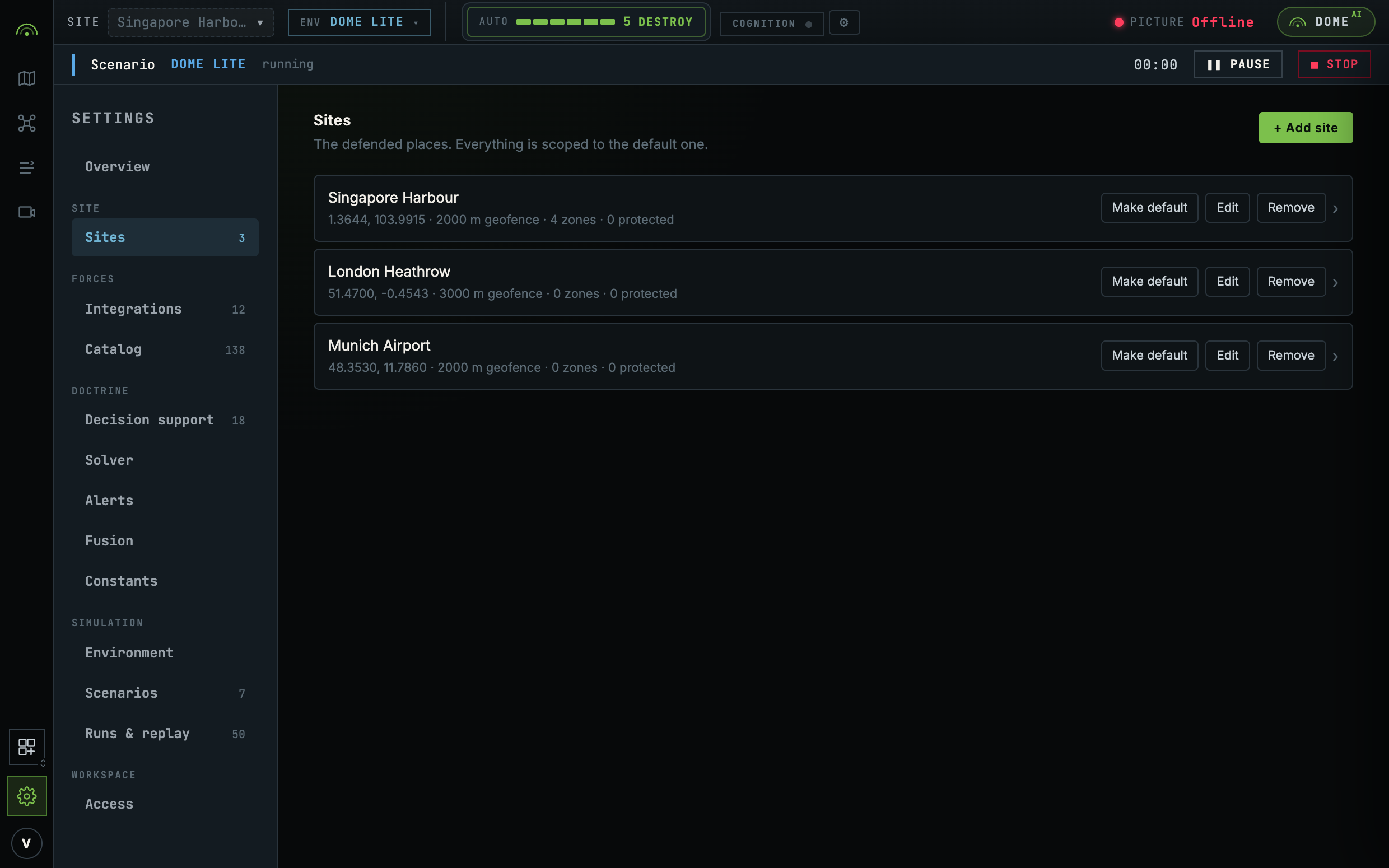
An airbase with three dispersed sensor fields, an operator with eleven substations, or a border with a node every forty kilometres needs a view across sites. Dome Central brings their tracks, alerts and decisions together.
Each site stands alone
Each Dome Edge runs fusion, planning and authority checks locally. If the link to Central drops, those functions continue at the site. Central loses updates from that node until the connection returns.
| What comes up | Tracks, alerts, decisions and run history from each node, into one picture across sites and domains. |
| What stays down | Fusion, planning and authority checks continue on the site node. |
C2 Connect
C2 Connect shares the fused picture with an existing command system. The connection depends on the protocols, direction of data flow and adapters available in the deployment. See Integrations for current support, including CoT/TAK and SAPIENT.
Confirm inbound and outbound support separately when planning a connection. Your existing C2 can remain the system of record.
Who sees what
A deployment is organised around workspaces. Every scenario, run, asset and sensor signal belongs to one and is visible only inside it.
Workspace membership controls access to that workspace. People sign in with short-lived sessions. Machines use workspace-scoped API keys that can be revoked independently of anyone's login. Agree the workspace boundaries and command permissions when sizing a shared deployment.
Sizing it
We size the deployment with you: node count, locations, network links, workspace access and the command systems that need to receive the picture.
Where to go next
- How it works for what sits at each site.
- Deployment for workspaces, API keys and what is recorded.
- Multi-domain C2 for how several agencies share one picture.